
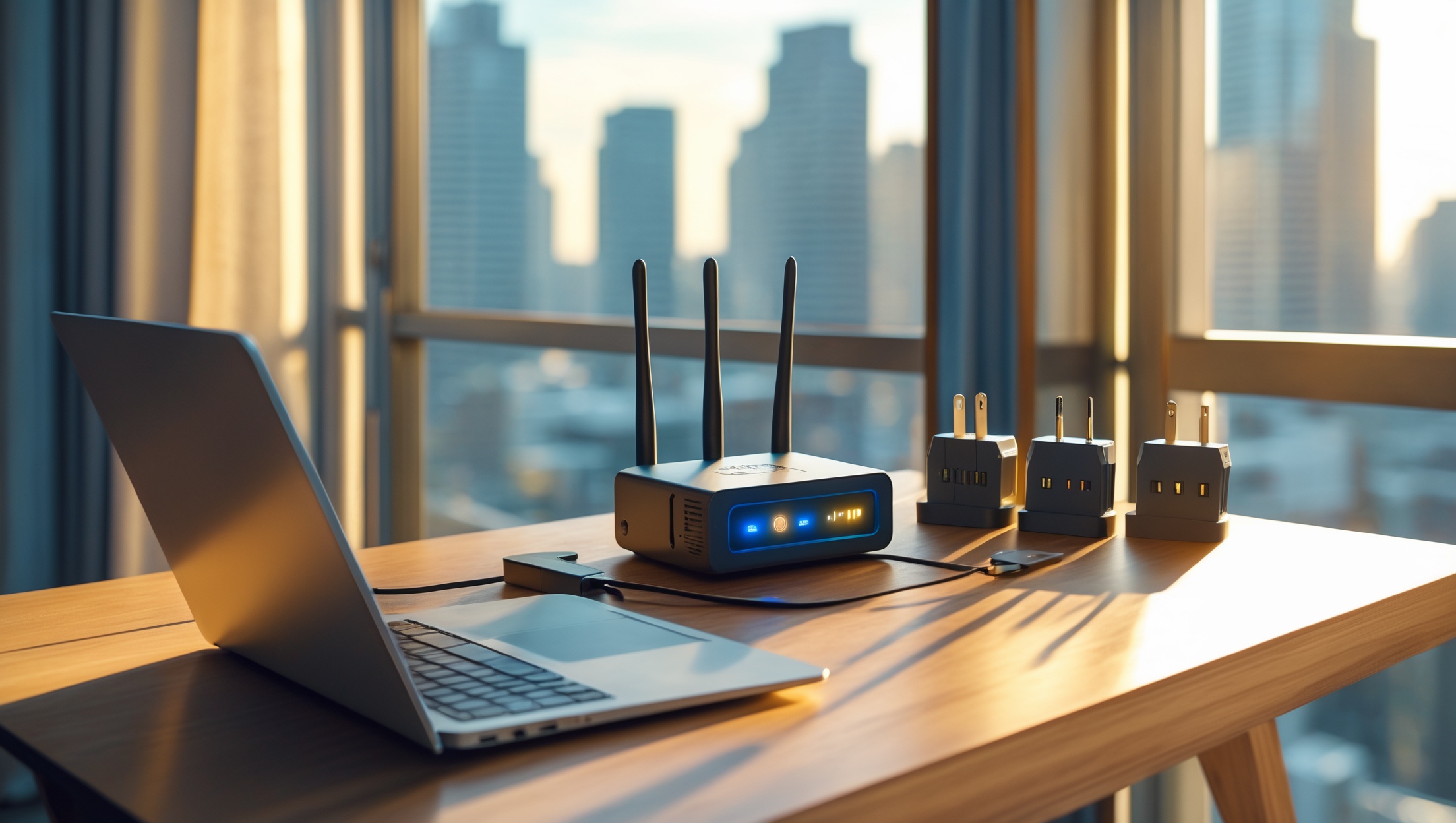
Introduction: The Digital Lifeline Abroad
For digital nomads, expats, and long-term travelers, a reliable internet connection abroad isn’t just a convenience—it’s a necessity. Whether you’re video conferencing, managing remote teams, streaming content, or handling personal admin, your ability to stay connected can make or break your overseas experience. Yet, the process of setting up internet in a foreign country is often riddled with challenges: unfamiliar providers, language barriers, unexpected fees, and wildly varying speeds. Missteps can lead to frustrating downtime, overspending, or even security risks. This comprehensive guide decodes the process of establishing secure, fast, and cost-efficient internet abroad. From understanding local provider options and deciphering speed requirements, to revealing hidden charges and sharing troubleshooting hacks, we’ll walk you through every step. If you’re planning to work or live abroad and want to avoid connectivity headaches, read on for the practical insights and actionable tips you’ll need for a seamless digital life overseas.
Understanding Your Internet Needs
Assessing Your Usage
Your ideal internet setup depends on how you work and live. Consider these questions before diving into local options:
- Work Requirements: Video calls, large file uploads/downloads, VPN use, or cloud-based work?
- Personal Use: Streaming, online gaming, smart home devices?
- Devices: How many laptops, tablets, phones, or IoT devices will connect?
- Stability: Is uptime critical (e.g., for live broadcasts or trading)?
Minimum Speed Recommendations
- Email, browsing, messaging: 5–10 Mbps download
- HD video calls, streaming: 20–50 Mbps download
- Multiple users/devices or 4K streaming: 100+ Mbps download
- Frequent uploads (cloud backup, YouTube): Prioritize high upload speeds (at least 10 Mbps)
Set realistic expectations: in some regions, speeds may be lower or less stable than you’re used to. Always check local infrastructure before committing to a plan.
Types of Internet Connections Abroad
Fiber Optic
Offers the fastest and most reliable speeds but is often limited to cities and developed areas. Installation may require landlord approval or building management coordination.
DSL
Available in many urban and suburban areas. Speeds are lower than fiber but sufficient for most remote work needs. Quality varies significantly depending on distance from the provider’s infrastructure.
Cable
Common in many Western and some Asian countries, cable internet is usually fast and stable but may experience slowdowns during peak usage times.
Mobile Broadband (4G/5G)
Popular for flexibility and quick setup. Great as a backup or for short stays, but data caps and inconsistent speeds are common. Coverage may be limited in rural areas.
Satellite
Essential for remote or rural locations with no wired access. Higher latency and data caps are typical, and weather can disrupt service. Consider only if no other options exist.
Fixed Wireless
Increasingly available in developing regions. Involves a roof antenna receiving internet from a local tower. Speeds vary; line-of-sight to the tower is essential.
Researching and Comparing Local Providers
Where to Start
- Ask your landlord, building manager, or local contacts for recommendations.
- Check expat forums, Facebook groups, and platforms like Reddit for up-to-date experiences.
- Use comparison websites (if available in your destination country) for side-by-side plan and speed reviews.
Key Factors to Compare
- Speed: Confirm both download and upload speeds. Ask about peak vs. off-peak performance.
- Coverage: Double-check service availability at your exact address—especially in rural or new developments.
- Reliability: Some providers or neighborhoods suffer frequent outages. Local word-of-mouth is invaluable.
- Customer Support: Is there English-language support? How responsive is the helpdesk?
- Contract Terms: Minimum duration, cancellation policy, and penalties for early termination.
- Bundled Services: Some ISPs offer discounts on TV, phone, or mobile if bundled.
Popular Providers by Region (Examples)
- Europe: Orange, Vodafone, Deutsche Telekom, BT, Swisscom
- Southeast Asia: Singtel, PLDT, True Online, Viettel
- Latin America: Claro, Movistar, Oi, Vivo
- Australia/NZ: Telstra, Optus, Spark, Vodafone NZ
Always verify the latest offerings and promotions, as these can change frequently.
Decoding Contracts and Avoiding Hidden Fees
Common Contract Pitfalls
- Installation Fees: Often hidden in the fine print. Some providers waive this for long-term contracts.
- Equipment Rental: Monthly router or modem fees can add up. Ask if bringing your own device is allowed.
- Early Termination Penalties: Avoid long-term contracts if your stay is short or uncertain.
- Activation Delays: In some countries, setup can take days or weeks. Confirm realistic timelines before committing.
- Promotional Pricing: Introductory rates often increase after a few months. Budget for the regular price.
Tips for Contract Negotiation
- Negotiate for waived fees, free upgrades, or faster installation.
- If staying short-term, ask for prepaid or month-to-month options—even if not advertised.
- Request the contract in English if you’re unsure about local language legalese.
Reading the Fine Print
Pay close attention to:
- Data Caps: Unlimited data isn’t always truly unlimited. Check for fair usage policies or throttling after a certain threshold.
- Speed Guarantees: Is the quoted speed a minimum, average, or maximum?
- Service Level Agreements (SLAs): Some premium plans offer compensation for downtime—vital if you rely on connectivity for work.
Step-by-Step: Setting Up Internet in a New Country
1. Confirm Eligibility and Coverage
- Check your rental agreement for restrictions or existing contracts.
- Some buildings have exclusive deals with specific ISPs. Verify before signing a lease if fast internet is a must.
2. Gather Necessary Documents
- Passport or residency permit
- Proof of address (rental contract, utility bill)
- Local bank account (sometimes required for auto-debit plans)
3. Choose Your Plan and Sign Up
- Visit a provider’s retail store for in-person assistance, or apply online if language and navigation are manageable.
- Ask for a written summary of your chosen package and all fees.
4. Schedule Installation
- Coordinate with your landlord if access to utility rooms or communal areas is needed.
- Be present during installation to ensure proper setup and test speeds before the technician leaves.
5. Set Up Your Equipment
- If using your own router, confirm compatibility and local voltage standards.
- Configure Wi-Fi with a secure password and change the default admin credentials.
- Test the connection on all devices and run a speed test (e.g., Speedtest.net) to verify you’re getting what you pay for.
6. Backup Plan: Mobile Internet
- Buy a local SIM card with a data package as a fail-safe for outages or installation delays.
- Consider a pocket Wi-Fi device for on-the-go or shared access.
Internet Security and Privacy Abroad
Using a VPN
In some countries, certain websites or services are geo-blocked. A reputable VPN not only provides access but also encrypts your data, protecting you on public or unsecured networks.
Router Security
- Change default router passwords immediately.
- Update firmware regularly for security patches.
- Disable remote management unless necessary.
Public Wi-Fi Risks
- Avoid sensitive transactions (banking, business logins) on public networks.
- Always use VPN on public Wi-Fi.
Budgeting for Internet Abroad
Typical Costs by Region
- Western Europe: €25–60/month (fiber), €15–30/month (mobile broadband)
- Southeast Asia: $15–40/month (fiber/cable), $10–25/month (mobile)
- Latin America: $20–50/month (fiber/cable), $10–20/month (mobile)
- Australia/NZ: AUD 60–100/month (fiber/cable), AUD 30–50/month (mobile)
Factor in installation or activation fees ($20–$100+), equipment rental ($3–$10/month), and possible deposit requirements for non-residents.
How to Save Money
- Look for expat-targeted offers or month-to-month plans to avoid long commitments.
- Share a connection with housemates or neighbors (if permissible and secure).
- Bundle services only if you’ll use them; TV or landline add-ons can inflate costs unnecessarily.
- Negotiate: many providers offer better deals in person or to new arrivals.
Common Pitfalls and How to Avoid Them
- Assuming All Plans Are Unlimited: Always check for throttling or hidden caps.
- Not Testing Before Committing: If possible, test the line speed before finalizing the contract.
- Ignoring Reviews: Local forums and expat groups can warn you about unreliable ISPs.
- Overlooking Backup Options: Always have a mobile data plan or pocket Wi-Fi as a safety net.
- Underestimating Installation Times: In some countries, delays are common—plan accordingly.
Troubleshooting and Maintenance Best Practices
Speed and Connectivity Issues
- Restart your modem/router regularly.
- Check for firmware updates monthly.
- Use a Wi-Fi analyzer app to identify interference or crowded channels.
- Contact your provider if speeds are consistently below your plan’s promise—document your speed tests for leverage.
Equipment Tips
- Invest in a dual-band router for better performance, especially in apartment buildings.
- Use surge protectors to safeguard against unstable local electricity.
- Keep your equipment clean and ventilated to avoid overheating.
Dealing with Outages
- Have a mobile hotspot ready as a backup.
- Report outages promptly and request compensation if downtime exceeds SLA guarantees.
Case Study: Remote Work Success in Lisbon
Jane, a freelance designer from Canada, moved to Lisbon for six months. She needed reliable, fast internet for client video calls and large file transfers. Here’s how she navigated the process:
- Researched local ISPs through expat Facebook groups and settled on a fiber plan with Vodafone.
- Negotiated a waived installation fee by visiting a retail store in person.
- Chose a month-to-month contract to avoid hefty penalties if she needed to move early.
- Used her own travel router, confirming compatibility with the local voltage and plug type.
- Set up a Portuguese SIM card with a 50GB data plan as a backup for emergencies.
- Enabled VPN for secure access to client files and email.
Jane’s proactive approach ensured seamless connectivity, allowing her to work efficiently and travel on her own terms.
Conclusion: Stay Connected, Stay Empowered
Reliable internet is the backbone of digital life abroad, whether you’re a remote worker, entrepreneur, or simply want to stay in touch with loved ones. Setting up a connection in a new country may seem daunting, but with the right preparation, research, and negotiation skills, it can be a smooth and empowering process. Always begin by assessing your unique needs, then carefully compare local providers—not just for speed, but for reliability, contract flexibility, and support. Don’t overlook the fine print or potential hidden fees. Secure your connection with strong passwords and a reputable VPN, and always have a backup plan in place. Remember to budget realistically, accounting for regional price differences and one-off costs. By avoiding common pitfalls and staying proactive about troubleshooting, you can create a seamless online experience no matter where in the world you find yourself. With fast, secure, and cost-effective internet, you’ll be free to maximize your productivity, enjoyment, and sense of adventure abroad. Stay connected—and let the world become your office.