
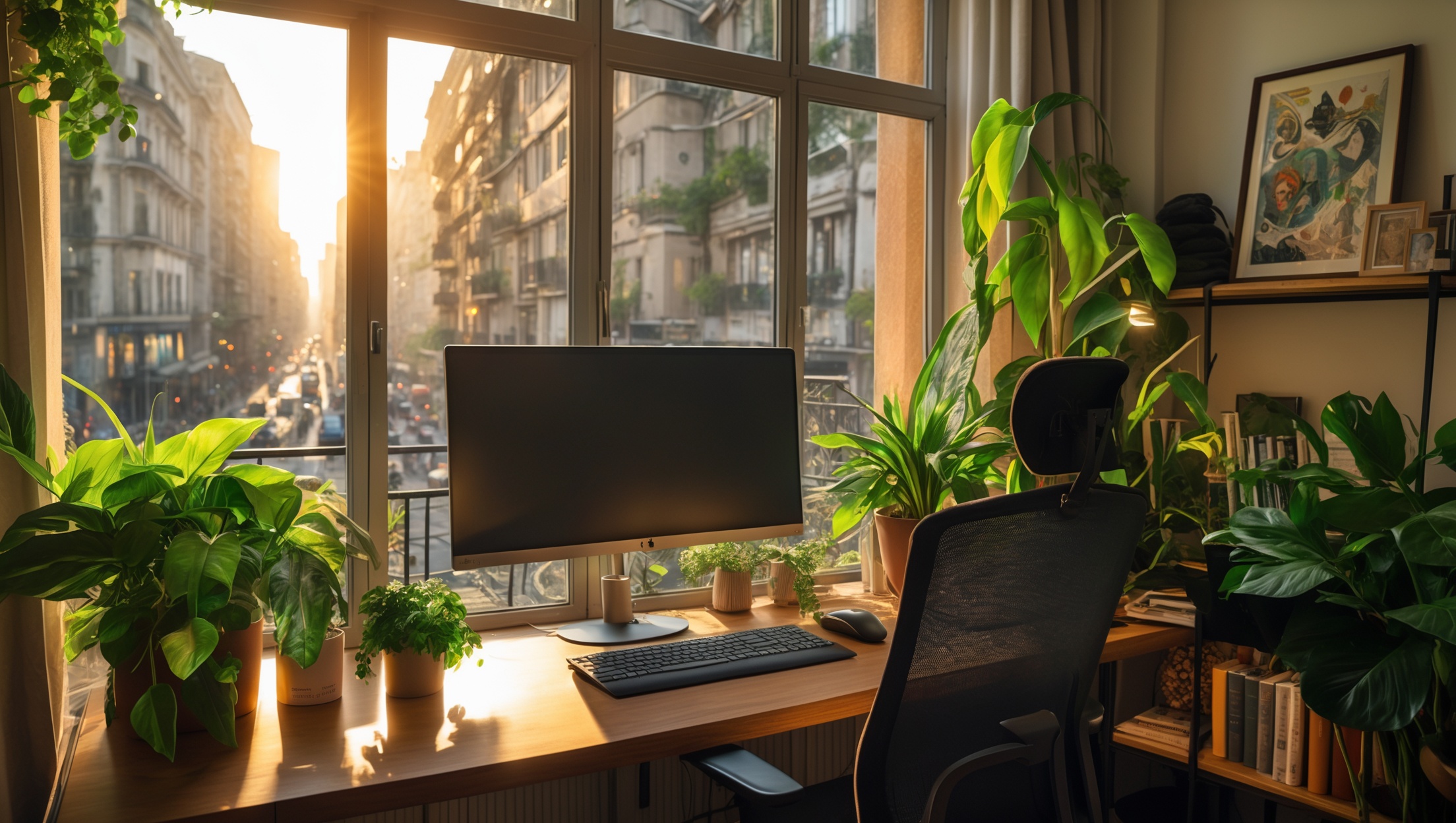
Introduction: Why a Functional Home Workspace Abroad Matters
As more people embrace remote work, the ability to create a comfortable and productive home workspace abroad is increasingly essential. Whether you’re a seasoned digital nomad, a newly relocated expat, or a traveler extending your stay, setting up a functional workspace can dramatically influence your work-life balance, productivity, and even your integration into a new country. However, transforming a corner of your temporary apartment or rental into a workspace comes with unique challenges: unfamiliar local markets, different product standards, and budgeting in a new currency. This guide delivers practical, step-by-step advice for setting up a home workspace abroad, balancing cost, comfort, and compliance. You’ll find detailed cost breakdowns, essential equipment lists, local sourcing strategies, and tips for navigating local regulations. Whether you’re settling for a few months or planning to stay long-term, this comprehensive resource will help you avoid common pitfalls, stretch your budget, and create a workspace that truly works for you.
Planning Your Workspace: Assessing Needs and Space
Evaluating Your Work Requirements
Before you purchase anything, assess what your job or study routine demands. Are you primarily working on a laptop, or do you need multiple monitors? Do you require space for drawing, photography, or physical paperwork? Make a list of must-have features and nice-to-haves, considering factors like:
- Desk size and surface area
- Chair comfort and adjustability
- Monitor stands or mounts
- Lamp and lighting options
- Noise levels and acoustic treatment
- Power outlets and surge protection
Measuring and Mapping Your Space
In many foreign rentals, floor plans and furniture can be very different from what you’re used to. Take accurate measurements of your designated workspace area. Identify available natural light, proximity to outlets, and ventilation. Use masking tape to outline your intended desk and chair placement before you buy or rearrange furniture, ensuring there’s enough room to move comfortably.
Budget Breakdown: Costs to Expect When Setting Up Abroad
Desk and Chair
Desk: Prices vary widely. In Southeast Asia or Eastern Europe, a basic desk can be found for $40–$80 USD, while in Western Europe or major cities, the same may cost $100–$250 USD. Consider secondhand options at local markets or via online classifieds for better deals.
Chair: Ergonomic chairs are worth the investment. Expect to pay $50–$150 for a mid-range chair in most countries, but be prepared to pay more in high-cost-of-living cities or if you want premium brands.
Tech Equipment
- Monitor: $80–$250 for a new unit. Check local electronics stores or expat marketplaces.
- Keyboard/Mouse: $20–$60 for a decent wireless set.
- Laptop Stand: $15–$40, which can often be improvised with local materials.
- External Webcam/Mic: $25–$100, if required for calls or streaming.
Lighting and Accessories
- Desk Lamp: $10–$40; LED lamps with color temperature control are ideal.
- Power Strips/Adapters: $10–$30; ensure compatibility with local voltage and socket types.
- Chair Cushion or Back Support: $10–$25 for extra comfort, especially in countries where ergonomic chairs are rare.
Sound and Connectivity
- Noise-Cancelling Headphones: $40–$200, depending on brand and features.
- Router/Modem: Often provided by your internet provider, but if you need your own, expect $30–$100.
Summary Table: Typical Setup Costs by Region
| Region | Low-End Total | Mid-Range Total |
|---|---|---|
| Southeast Asia | $200 | $500 |
| Eastern Europe | $250 | $600 |
| Western Europe/North America | $350 | $900 |
| Australia/NZ | $350 | $950 |
Note: Prices reflect new and secondhand mixes.
Essential Tools and Equipment Guide
Must-Have Workspace Gear
- Adjustable Desk: If possible, opt for adjustable height desks, or use risers for standing work.
- Ergonomic Chair: Prioritize lumbar support and adjustable height.
- Laptop Stand or Riser: Elevates the screen to eye level, reducing neck strain.
- External Keyboard and Mouse: Vital for long-term comfort when using a laptop.
- Task Lamp: Look for adjustable LED lamps with multiple color temperatures.
- Extension Cords and Surge Protectors: Many older apartments have few outlets.
Optional Upgrades for Productivity
- Monitor Arm or Stand: Free up desk space and improve posture.
- Whiteboard or Corkboard: For notes, planning, or reminders.
- Desk Organizer: Keep cables, pens, and papers tidy.
- Small Plants: Improve air quality and add visual comfort.
Local Sourcing: Where and How to Buy Workspace Gear Abroad
Online Marketplaces
Leverage local versions of global marketplaces (e.g., MercadoLibre in Latin America, OLX in India, Gumtree in Australia). Search for both new and secondhand items. Facebook Marketplace is increasingly popular worldwide and often features expats selling gently used gear as they move on.
Local Furniture and Electronics Stores
Visit local department stores, discount furniture outlets, and electronics chains. In many countries, smaller, family-run shops can offer better deals than large chain stores, especially if you’re willing to negotiate or pay cash. Always check for warranty coverage and return policies, which can differ from what you’re used to.
Expat and Community Forums
Join local expat Facebook groups or forums. Members frequently sell or give away desks, chairs, and accessories. These groups are also invaluable for sourcing recommendations and avoiding scams.
DIY and Upcycling
If you’re on a tight budget or love creative projects, consider upcycling local materials. Many cities have scrap yards or markets where you can find wood, crates, or metal frames to build a custom desk or shelf. Watch for “bulky waste” collection days, common in Europe, when people leave unwanted furniture on the street for pickup.
Compliance and Permits: Navigating Local Regulations
Rental Property Rules
Before drilling holes, mounting shelves, or assembling large furniture, review your lease or ask your landlord. In many countries, you may need written permission to make alterations, even minor ones. Violating these terms could jeopardize your deposit or tenancy.
Building Codes and Safety Standards
Some apartment buildings abroad have strict rules regarding the use of extension cords, multi-plug adapters, or high-wattage devices. Always use certified power strips, and avoid overloading circuits. In older buildings, grounding may be inadequate—consider a portable surge protector with built-in grounding indication.
Business Compliance for Home-Based Work
If you’re running a registered business from your rental (especially in the EU, UK, or Australia), check if you must register your address, display business signage, or comply with home office tax and zoning regulations. While most remote employees and freelancers have no issues, it’s wise to confirm with local authorities or a relocation consultant.
Workspace Maintenance and Safety Checklist
Routine Maintenance
- Wipe down electronics and desk surfaces weekly to prevent dust buildup.
- Check cables and power strips for wear, especially if using adapters.
- Inspect chairs and desks for loose screws or wobbly legs monthly.
Safety Essentials
- Keep liquids away from electronics to prevent spills.
- Do not overload power strips or use “daisy-chained” adapters.
- Position your desk to avoid blocking exits or windows.
- Ensure your workspace is well ventilated, especially in warm climates.
Ergonomic Best Practices
- Set monitor(s) at eye level.
- Keep feet flat on the floor or on a footrest.
- Take regular breaks to stretch and move (set a timer if needed).
Local Tips for a Productive Workspace
Adapting to Local Culture
In many countries, midday noise (construction, neighborly gatherings) is common. Consider noise-cancelling headphones and flexible working hours. Take advantage of local customs—such as afternoon siestas or morning market runs—to schedule focused work blocks.
Dealing with Power and Internet Outages
Power interruptions are frequent in some regions. Invest in a basic uninterruptible power supply (UPS) for your modem and laptop to prevent data loss. Keep mobile data as a backup; many countries offer affordable prepaid SIMs with generous data allowances for tethering.
Climate Comfort
Workspace comfort can be affected by local climate. In hot countries, position your desk near a window for airflow, use a small fan, and invest in blackout curtains. In colder regions, consider a compact space heater and draft stoppers for windows or doors.
Case Study: Remote Worker Workspace Setup in Lisbon, Portugal
Background: Sarah, a remote UX designer from the US, moved to Lisbon for a six-month stay. Her rental was furnished, but the “desk” was a small dining table and the chair had no back support.
- Desk and Chair: She found a used IKEA desk and ergonomic chair on Facebook Marketplace for €60 total.
- Tech: She purchased a monitor (€90) and a wireless mouse/keyboard set (€25) at a local electronics shop.
- Accessories: Portable surge protector (€18), LED desk lamp (€15), and a potted plant (€8) from the neighborhood market.
- Compliance: She messaged her landlord to confirm that adding a desk and chair was allowed, and kept all receipts for potential partial reimbursement from her employer.
- Outcome: The workspace cost her €216 (~$230 USD) and transformed her productivity. She later sold the desk and chair at the end of her stay, recouping €40.
Conclusion: Mastering Your Home Workspace Abroad
Creating a productive home workspace abroad may seem daunting, but with thoughtful planning and practical know-how, you can assemble an efficient, comfortable setup without breaking the bank. Start by honestly assessing your needs and available space, then budget carefully and explore local markets for the best deals—don’t overlook the value of secondhand and upcycled options. Pay close attention to local rental rules, building codes, and power standards to stay compliant and safe. Maintain your workspace with regular checks and ergonomic adjustments, and adapt to local rhythms for maximum productivity. Remember, the right workspace doesn’t just boost your output—it supports your well-being, helping you thrive in a new environment. Whether your stay is measured in weeks or years, investing in your workspace is an investment in your life abroad. Embrace the opportunity to create a working environment tailored to your unique needs and the character of your new home. You’ll not only work better—you’ll live better, too.
When you mention budgeting in a new currency, do you have any tips for figuring out a realistic starting budget for basic setup costs, especially if I have no idea how prices compare locally to the US?
To figure out a realistic starting budget, start by researching local prices for essentials like a desk, chair, basic tech, and internet. You can check local online marketplaces or large retail chains in your new country. Comparing receipts or sample shopping carts can help, too. Also, consider joining local expat forums where people often share their real setup costs—that’s a great way to get a sense of what to expect compared to US prices.
When you mention budgeting in a new currency, do you have any recommendations for tracking workspace expenses or dealing with fluctuating exchange rates, especially for longer stays abroad?
To track workspace expenses in a different currency, consider using budgeting apps that allow multi-currency support, such as Expensify, Trail Wallet, or even spreadsheets with built-in currency conversion formulas. For longer stays, it’s helpful to set a base currency for your budget and regularly update exchange rates. Some apps can auto-convert expenses using real-time rates, which makes it easier to see your true spending. Keeping receipts and categorizing expenses also helps you stay organized.
I’m a bit worried about converting prices and setting a realistic budget since I’ve never set up a workspace outside the US before. Could you give an example of what a typical budget breakdown might look like in, say, Western Europe versus Southeast Asia?
Absolutely, here’s a basic comparison. In Western Europe, expect higher costs: desk and chair ($250–$400), monitor ($150–$300), internet ($40–$70/month), and accessories ($50–$100), totaling around $500–$900 before rent. In Southeast Asia, similar items might cost: desk and chair ($80–$150), monitor ($80–$150), internet ($20–$40/month), accessories ($30–$60), totaling about $210–$400. Always check local classifieds and shops for deals, and factor in delivery or assembly fees.